 TV & Movie Log Book
Movie and TV show tracker: app, watchlist or paper?
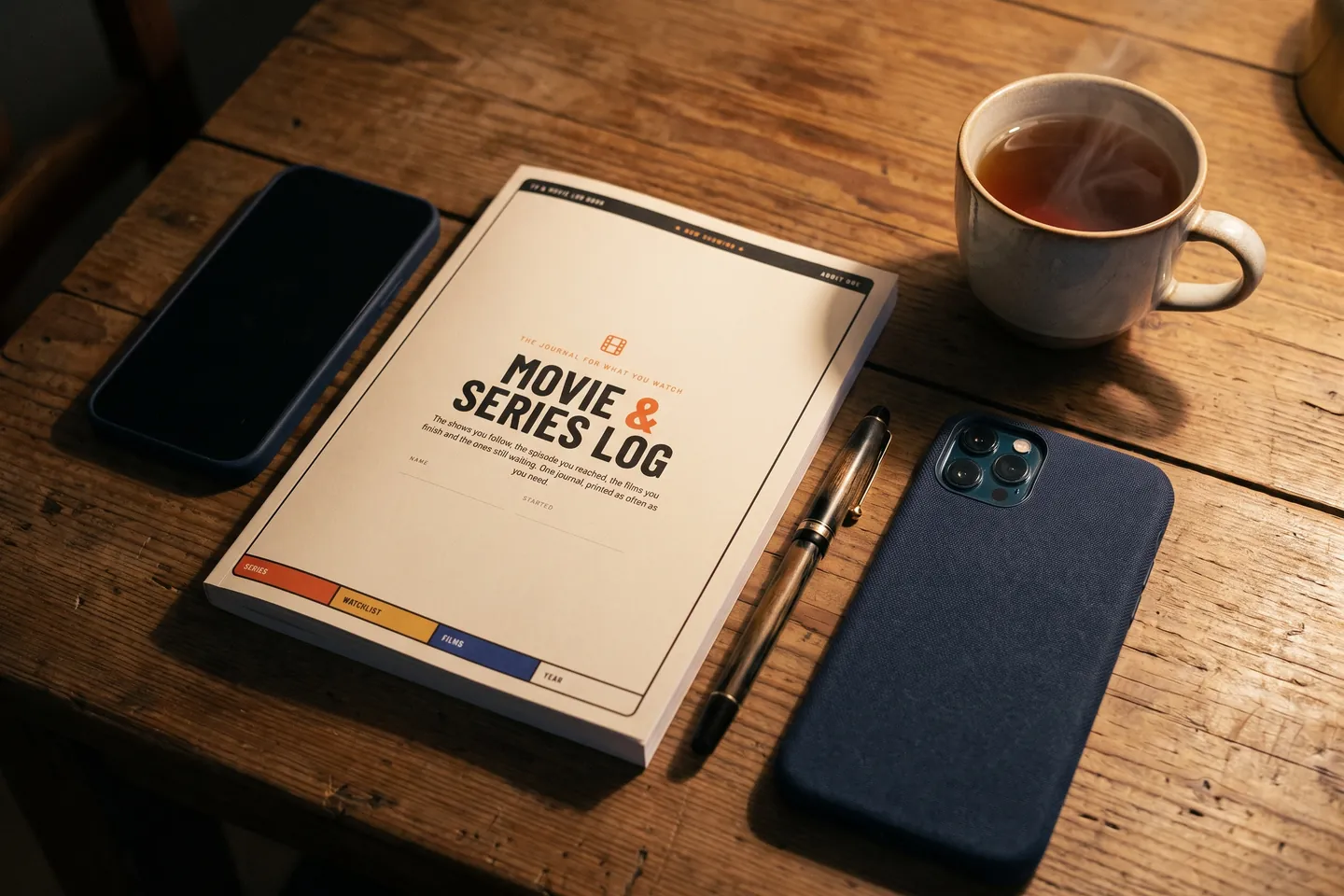
A movie and TV show tracker has two different jobs, and most tools only do one of them well. A film is finished in one evening, so it needs one line: title, year, the date you watched it and what you thought. A series runs for weeks or months, so it needs a place marker: the season, the last episode you finished and the next one to play. Both need a short list of what to watch next. Your streaming service's watchlist is free and fine for "later," but every service keeps its own list and none of them holds your verdict. A tracking app follows you across services and can tell you when new episodes arrive. A spreadsheet is free and searchable if you keep typing. A paper page puts films and series side by side in your planner, but you update it by hand. For most people the best setup is two tools: a screen for alerts, and one written record for your place and your opinions.
What a movie and TV show tracker has to hold
Before you compare tools, sort what you watch into three lists. Every tracker, digital or paper, is some version of these:
- To watch. Films and shows you mean to start. Keep it short: a list of 200 titles is a wish, not a plan.
- Now watching. Series only. One row per show with the season, the last episode finished, the next one, and where it streams. A film rarely needs this list, because you finish it the night you start it.
- Watched. Films get a line each the night you see them. A series gets its line when you finish a season, with a short verdict, so the record is not 40 lines of episode numbers.
The mistake most trackers make is treating a series like a long film (one line, ticked when done) or a film like a short series (a progress bar for something you watch in two hours). Once you keep the "now watching" rows apart from the "watched" log, any of the tools below works better.
Watchlist, app, spreadsheet or paper: compared
| What you need | Streaming watchlist | Tracking app | Spreadsheet | Paper page |
|---|---|---|---|---|
| Cost | Included with the service | Free tiers; automation often paid | Free | Free to draw, or a printable |
| Films and series from every service in one list | No, one list per service | Yes | Yes, if you type them in | Yes, if you write them in |
| Your place in a series | Not on the list itself | Yes, logged by you or tracked automatically | A column you update | A row you update |
| Alerts for new episodes | Yes, for that service | Some apps, with a schedule | No | No |
| Your rating and notes | No | Depends on the app | Any column you add | Any space you leave |
| Where it lives | Inside each app | On your phone | On a screen | In your planner or binder |
The streaming watchlist is the one you already have. Netflix lets you add up to 2,000 TV shows and movies to My List on each profile, sorted by suggestion, date added, A to Z or release date in the mobile app (Netflix Help Center, read 2026-10-05). For a title that is not out yet, Netflix offers Remind Me, and "once the title is available, you may see a notification on Netflix, get an email, and it will also appear in My List" (Netflix Help Center, read 2026-10-05). What it cannot do is hold a film you saw somewhere else, or remember what you thought of it.
A tracking app is the answer when you watch across several services and want them in one view. Automation usually sits behind a subscription: PCWorld reported in February 2025 (read 2026-10-05) that Trakt's automatic tracking on six major streaming services is part of its VIP subscription at $6 a month or $60 a year, and that the app includes a schedule of upcoming episodes.
A spreadsheet suits people who want to sort and count: every film of the year, every show by service. It is free, and it is only as current as your last evening of typing.
A paper page suits people who already keep a planner or journal and want their watching in it. It cannot alert you to anything. It does keep films and series on one page you can see without opening an app, and it holds whatever you choose to write.
How do I access my watchlist?
Your watchlist lives in the service where you saved the title, and each profile has its own.
- Netflix. In a web browser, click My List at the top of the screen. In the mobile app, tap My Netflix in the lower right, then My List. On a TV, go to My Netflix and scroll to the My List row (Netflix Help Center, read 2026-10-05).
- Prime Video. Open My Stuff and choose Watchlist; you add a title with the plus symbol on its page, according to How-To Geek in November 2025 (read 2026-10-05).
If you cannot find a title, check that you are on the same profile you used when you saved it. If you use three services, you have three watchlists, which is the main reason people start a separate tracker at all.
Is there a movie diary app?
Yes. Letterboxd grew out of the idea of "a film diary, a way for devoted film lovers to share the collecting, watching and cataloging they were already doing privately," and it has offered free and paid memberships since it opened to the public in February 2013 (Wikipedia, read 2026-10-05). The same article notes that in 2023 the company announced plans to add television shows. So a film diary app handles the "watched" list for films very well. Check what it does for series before you trust it with your place in a show, because a series needs the episode marker, not only a rating.
Is there a free alternative to a paid watchlist app?
Yes, whichever app you are weighing. The free options cover the same three lists:
- To watch: the list built into each service, free with your subscription.
- Now watching: the free tier of a tracking app, a spreadsheet column, or one row per show on paper.
- Watched: a free diary app account, a spreadsheet tab, or a written log.
What you usually pay for is automation: the app noticing what you played so you never type it. If you watch on one or two services and do not mind writing a line after the credits, you can skip that cost.
One page for films and series
If you keep a planner, a printable or hand-drawn page can hold both kinds of watching without mixing them up. Split it into three blocks:
- Now watching at the top: show, season, last finished, next episode, service. Update it the night you watch.
- Up next in the middle: no more than ten titles, films and series together, with a box to tick.
- Film log at the bottom or on the facing page: date, title, year, stars. When a season ends, give the series one line here too, with a word or two of verdict.
Keep the episode detail on the "now watching" rows and the opinions in the log. For a deeper guide to the series rows, catching up after a break and sharing a show between two viewers, see how to track TV show episodes on paper. If you draw your pages in a bullet journal and want to know how many films fit before a page runs out, the bullet journal movie tracker guide does the page math.
Which tracker should you pick?
- You watch on one service and only want a reminder of what is next: use its watchlist. Nothing to set up.
- You watch on several services and want alerts: use a tracking app, and decide whether the paid automation is worth it to you.
- You like counting and sorting: a spreadsheet, with one tab for films and one for series.
- You keep a planner and want a record you will look back on: a paper page, ideally next to an app or watchlist for release dates.
Combining two is normal. The screen watches the calendar; the page keeps your place and what you thought.
A printable TV show tracker: the Movie & Series Log
If you would rather print these pages than draw them, our Movie & Series Log is a $3 printable TV show tracker with 12 pages, and it keeps the three lists apart the way this guide suggests. For series, it has a now watching page, a season log with a strip of 30 episode boxes, a season tracker (2 seasons of up to 24 episodes per page), a show tracker for every season of every show you follow, and a season verdict (two per page). For films and what comes next, it has tonight's watchlist, a film log with 24 rows, a review page, a year in film with a top ten, and a favorites page. It is a paper tracker, not an app, so it will not alert you to new episodes. You get one ZIP with US Letter and A4 PDFs on the order page right after payment, and nothing is shipped. Print at 100% (actual size), and print the film log again when it fills. No year is printed, so you can start any month.
See what is inside the Movie & Series Log printable
Frequently asked questions
How do I access my watchlist?
It sits inside the service where you saved it. On Netflix, My List is at the top of the screen in a web browser, and under My Netflix in the mobile app and on a TV. On Prime Video, open My Stuff and choose Watchlist. Each service keeps its own list, per profile.
Is there a movie diary app available?
Yes. Letterboxd started as a film diary and has offered free and paid memberships since 2013. It is built around films; in 2023 it announced plans to add TV shows, so check what it covers for series before you move your whole record there.
Is there a free alternative to Watchlist Pro?
We cannot speak for that app, but the job itself has free options: the list built into each streaming service, the free tier of a tracking app, a spreadsheet you keep yourself, or a page you draw or print. The paid tiers mostly add automation, such as tracking what you play without typing it in.
Sources
- Netflix Help Center, How to use 'My List' (last checked 2026-10-05)
- Netflix Help Center, How to be reminded of upcoming TV shows or movies (last checked 2026-10-05)
- How-To Geek, I leveled up my Prime Video experience with this simple trick (November 1, 2025) (last checked 2026-10-05)
- Wikipedia, Letterboxd (last checked 2026-10-05)
- PCWorld, Trakt helps you keep track of your streaming shows (February 13, 2025) (last checked 2026-10-05)